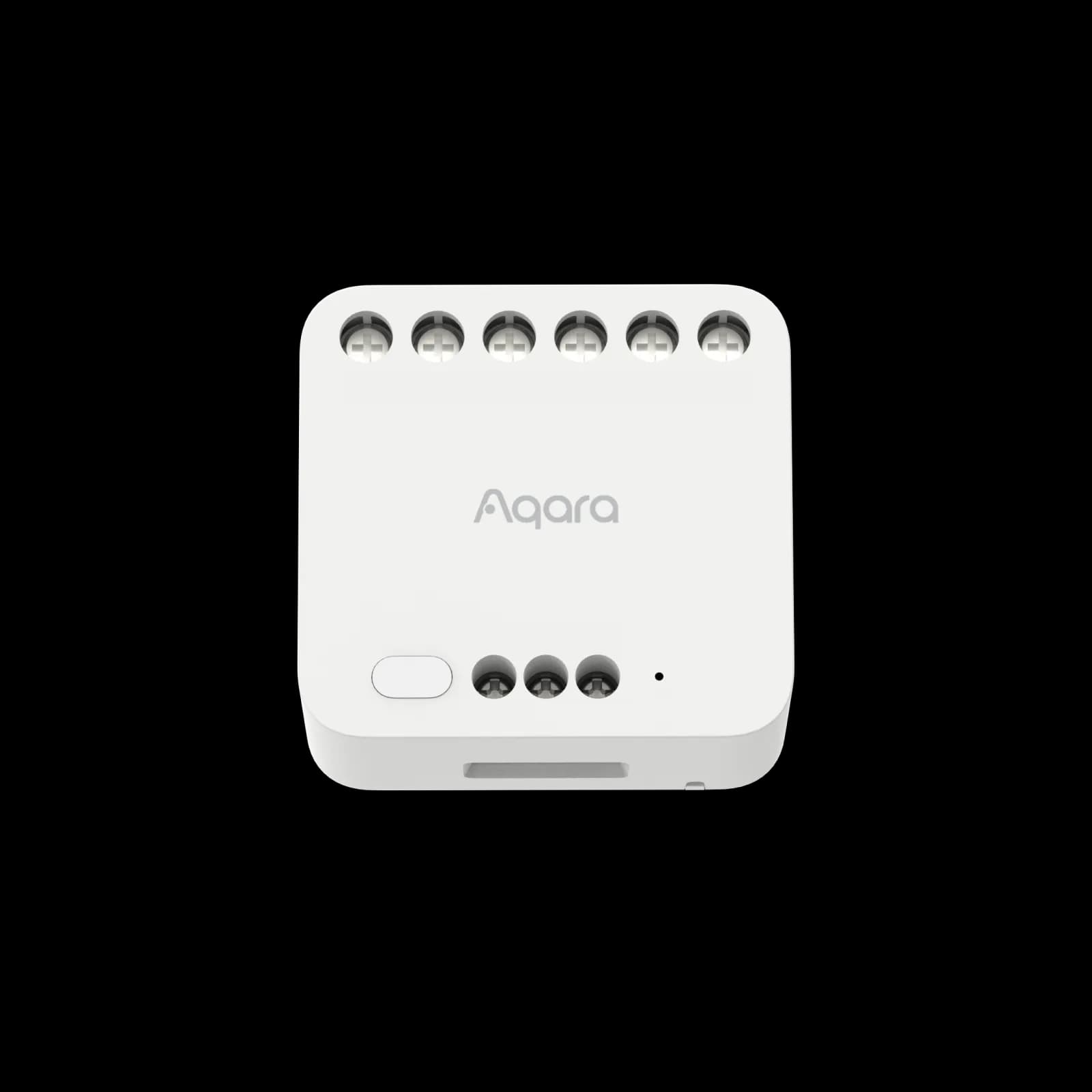
1 / 3 — Front view
Aqara Dual Relay Module T2
A two-channel Zigbee relay module that adds smart control to existing lights, motors and other loads. It must be wired into the mains by a qualified electrician after a load and site assessment; this page is not installation guidance. Aqara rates it at 100–250 V AC, 50/60 Hz, with a maximum of 10 A shared across both channels.
Ask about this product
Opens your own WhatsApp or email app with this product and the options you chose filled in. Nothing is sent until you send it yourself. The price shown is a reference price, not a quotation.
- Automate two existing circuits, such as two sets of lights, on schedules or with sensors through a compatible Aqara hub.
- Run a two-direction motor, such as a roller shade, in interlock mode so that only one direction is powered at a time.
- Use dry-contact mode to send an on/off or pulse signal to equipment such as a garage door controller or boiler (neutral wire required; suitability to be confirmed by the installer).
- Power
- AC 100–250 V, 50/60 Hz: max. 10 A in total across both channels; incandescent lamps max. 2500 W; LED or CFL lamps max. 1 A (250 W); motors max. 1 A (1/4 HP). DC 24–30 V: max. 10 A (300 W, resistive load); DC 30–60 V: max. 1 A (60 W, resistive load)
- Connectivity
- Zigbee 3.0 (compatible Aqara Zigbee 3.0 hub required)
- Compatibility
- Matter through a compatible Aqara hub acting as a bridge; Apple Home, Google Home and Alexa. Wireless switch mode, energy monitoring and power automations are available in the Aqara Home app only
- Protection
- Overheat and overload protection; customisable power limit; power-off memory. Energy monitoring only in wet-contact mode on AC power
- What's in the Box
- Dual Relay Module T2, user manual, DIN rail accessory, jumper wire
Planning an Installation?
The price on this page is a reference price for the device. If you would like it planned, installed and set up as part of a system, see how a project runs.
Curious What This Looks Like in Your Space?
Reach out however's easiest — WhatsApp, ask about an assessment, or browse the platform first.